Data & Privacy
What it's for
Data & Privacy gives you direct control over how your uploaded data — selfie images and performance labels uploaded for backtesting, in particular — is stored and deleted. This exists because your applicants' biometric data and your portfolio's loan performance data are sensitive, and you should not have to rely solely on a vendor's internal retention policy without a way to act on it yourself. Confirm you're authorized to share any real applicant or portfolio data under your own data-handling policy and any applicable regulation in your market before uploading it.
What you can do
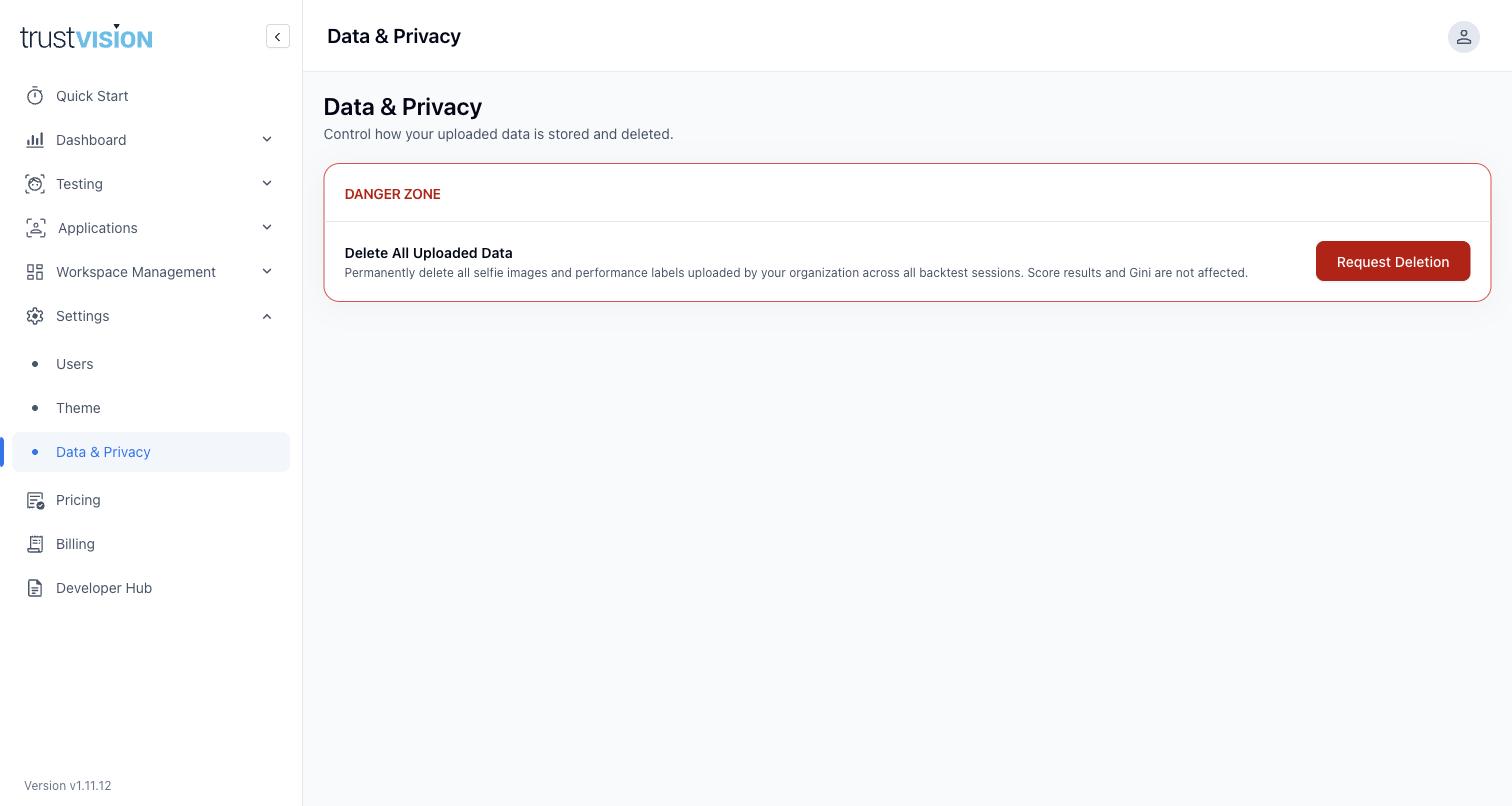
- Delete All Uploaded Data — permanently delete all selfie images and performance labels your organization has uploaded across all backtest sessions. This is irreversible. Note that score results and Gini values are not affected — the numeric outputs of a backtest remain available for reference even after the underlying images and labels are deleted. Use this as part of your data-subject-request process, or as routine cleanup once you've finished analyzing a batch.
This complements the automatic behavior described in Backtesting & Fine-Tuning: TrustVision already deletes uploaded backtest images and labels automatically after processing (batches will show status "Uploaded data deleted"). This control lets you request deletion proactively — for example, if you want to confirm deletion has happened, or need to action a data subject request. Note that this only deletes uploaded backtest data — production Application records (see Applications) are retained separately as your operational audit trail.
Related areas
- For how data is retained during backtesting specifically, see Backtesting & Fine-Tuning.
- For where sensitive applicant data (selfies, ID images) is viewed on a per-case basis, see Applications.
- For who inside your organization can access this data at all, see Users.