Billing & Plans
What it's for
This is where you select a commercial plan, monitor your usage against your plan's included quota, and manage invoices. Vision Score is priced and packaged in tiers, each positioned around the reduction in bad-debt rate it targets — you're not just buying API calls, you're buying a specific level of model performance and capability.
What you can see
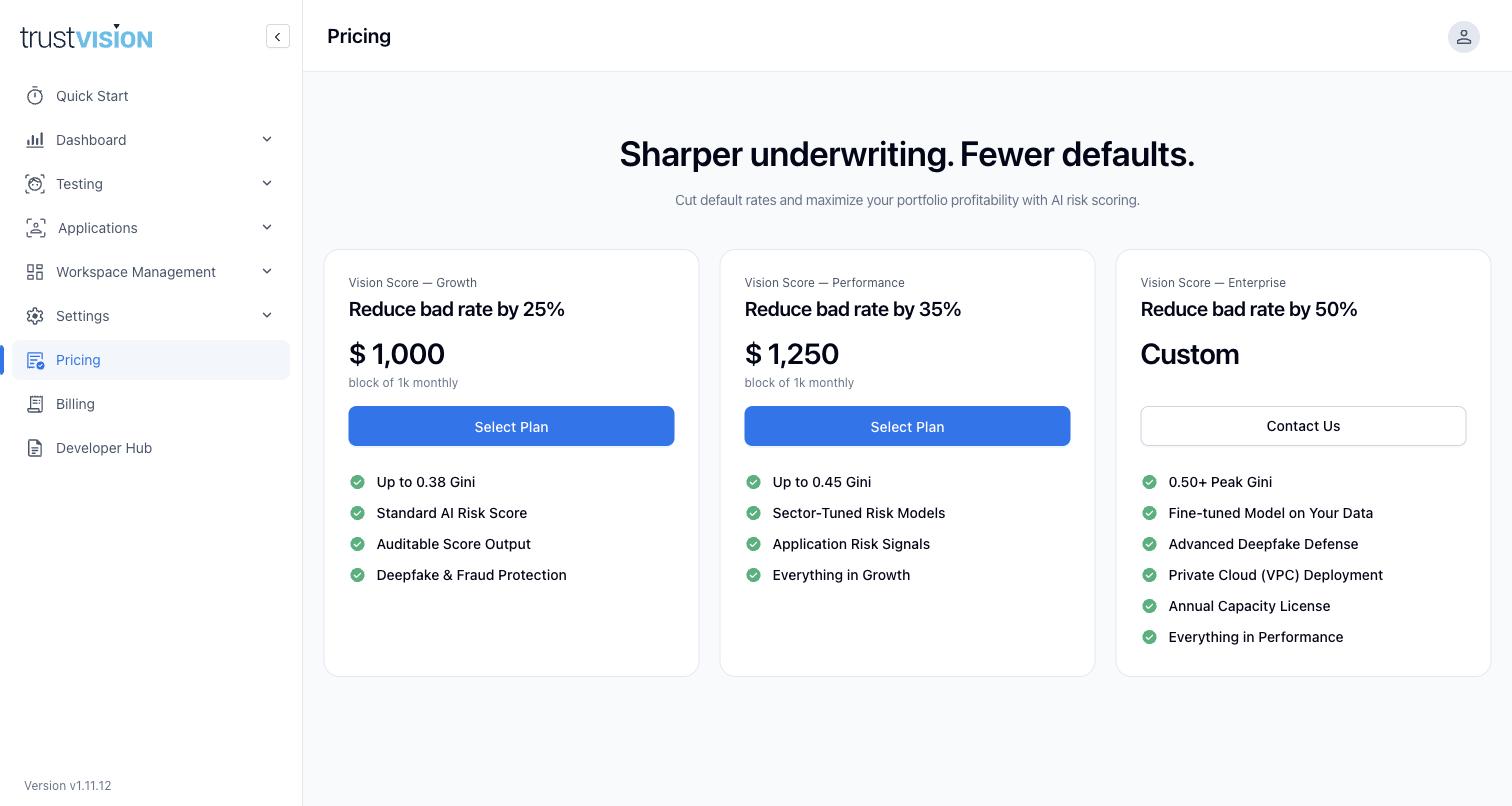
Pricing — a side-by-side comparison of the Growth, Performance, and Enterprise tiers. Each is priced per block of monthly volume (e.g. per 1,000 scored applications); Enterprise pricing is custom and arranged directly with your account team.
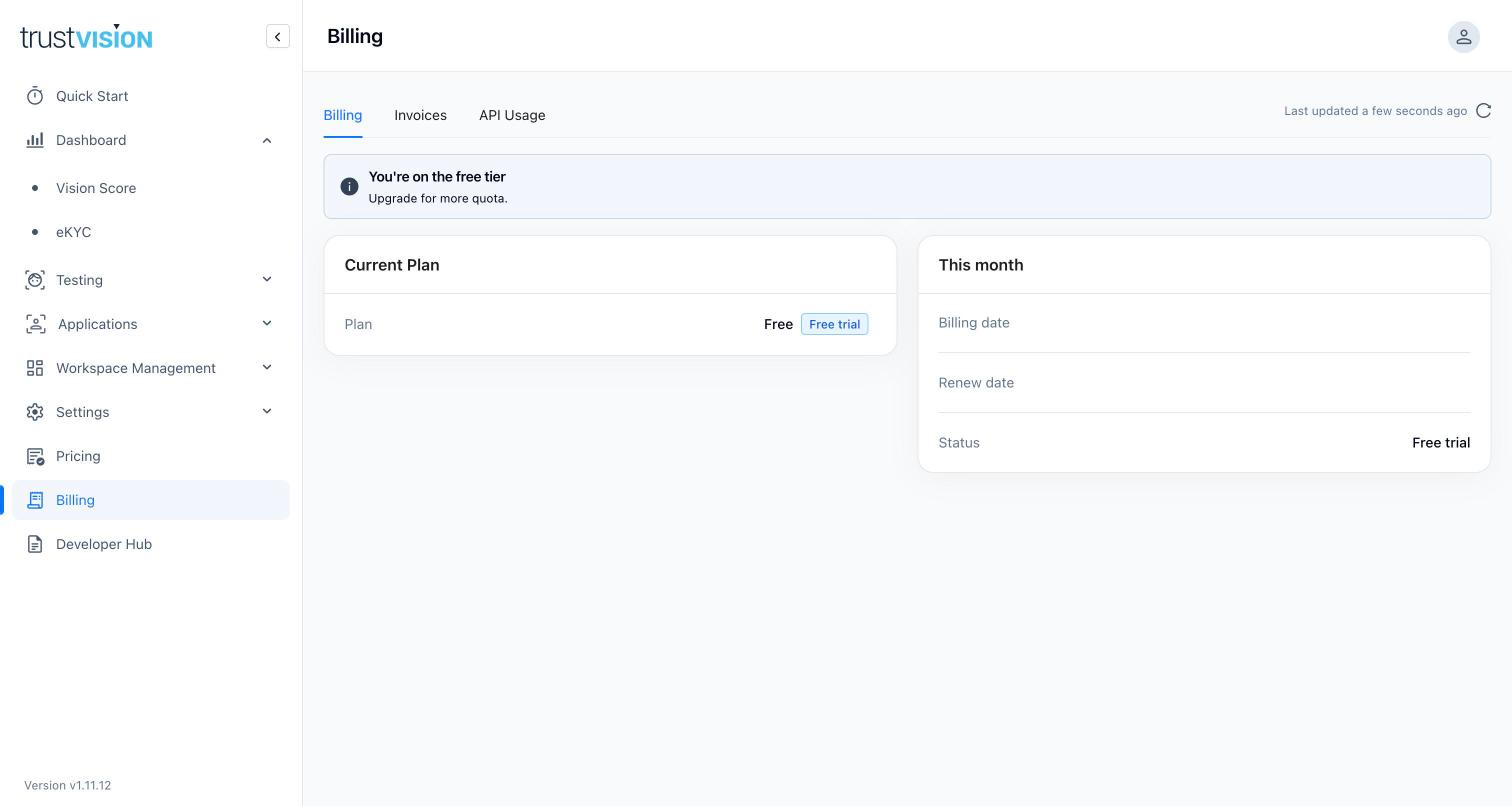
Billing — three tabs:
- Billing — your current plan (including a clear "You're on the free tier" notice if applicable), plus this month's billing date, renewal date, and subscription status. A cancelled, lapsed, or unexpected free-tier status means production scoring will be limited or stopped — the Sandbox will also show a "Plan/Subscription issue" notice if you try to run a test (see Sandbox). Resolve this from this tab or Pricing promptly to avoid an outage in your live onboarding or lending flow.
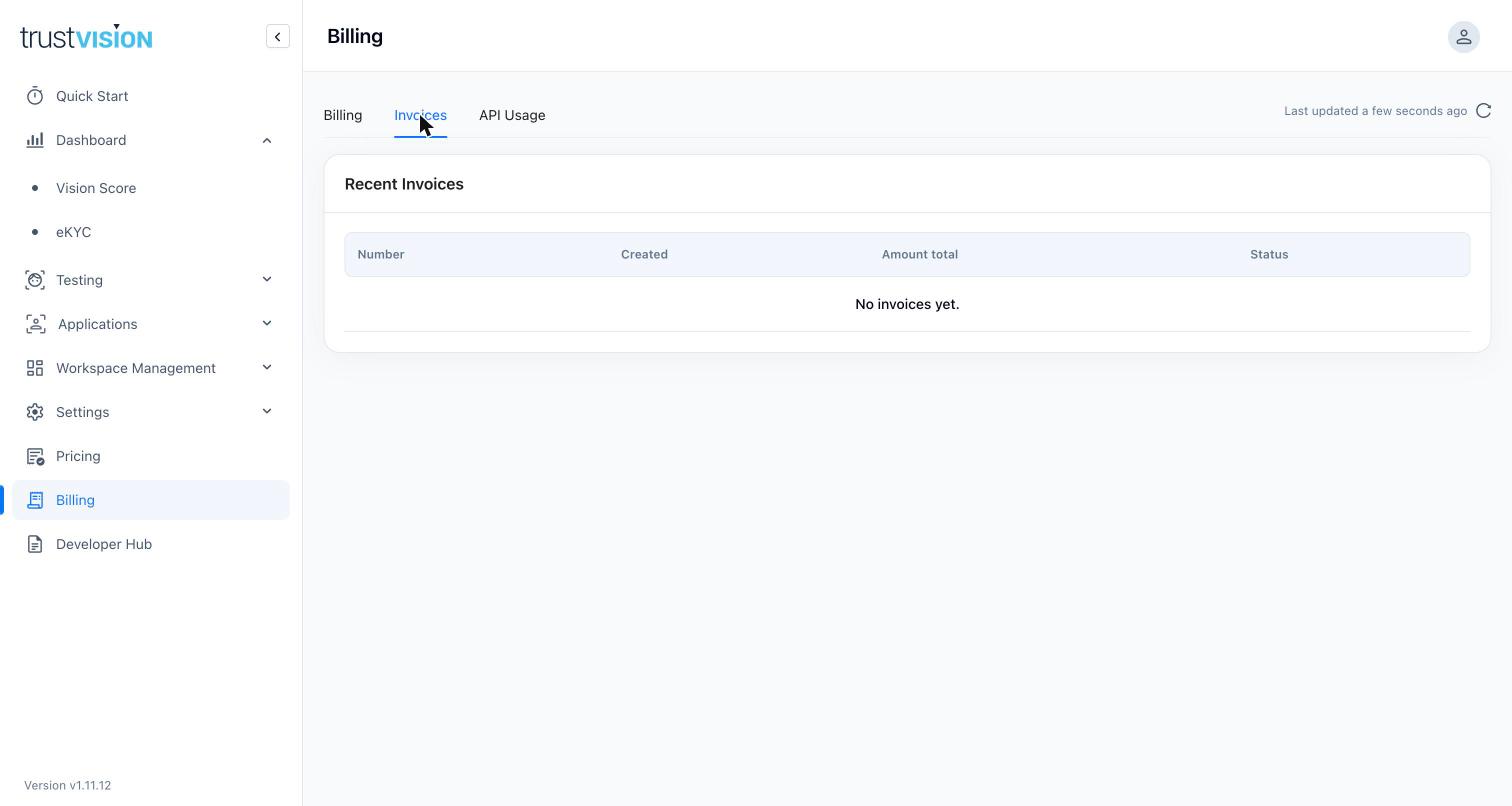
- Invoices — a table of your billing history (invoice number, date created, amount, status). Shows "No invoices yet" until your first billed period completes.
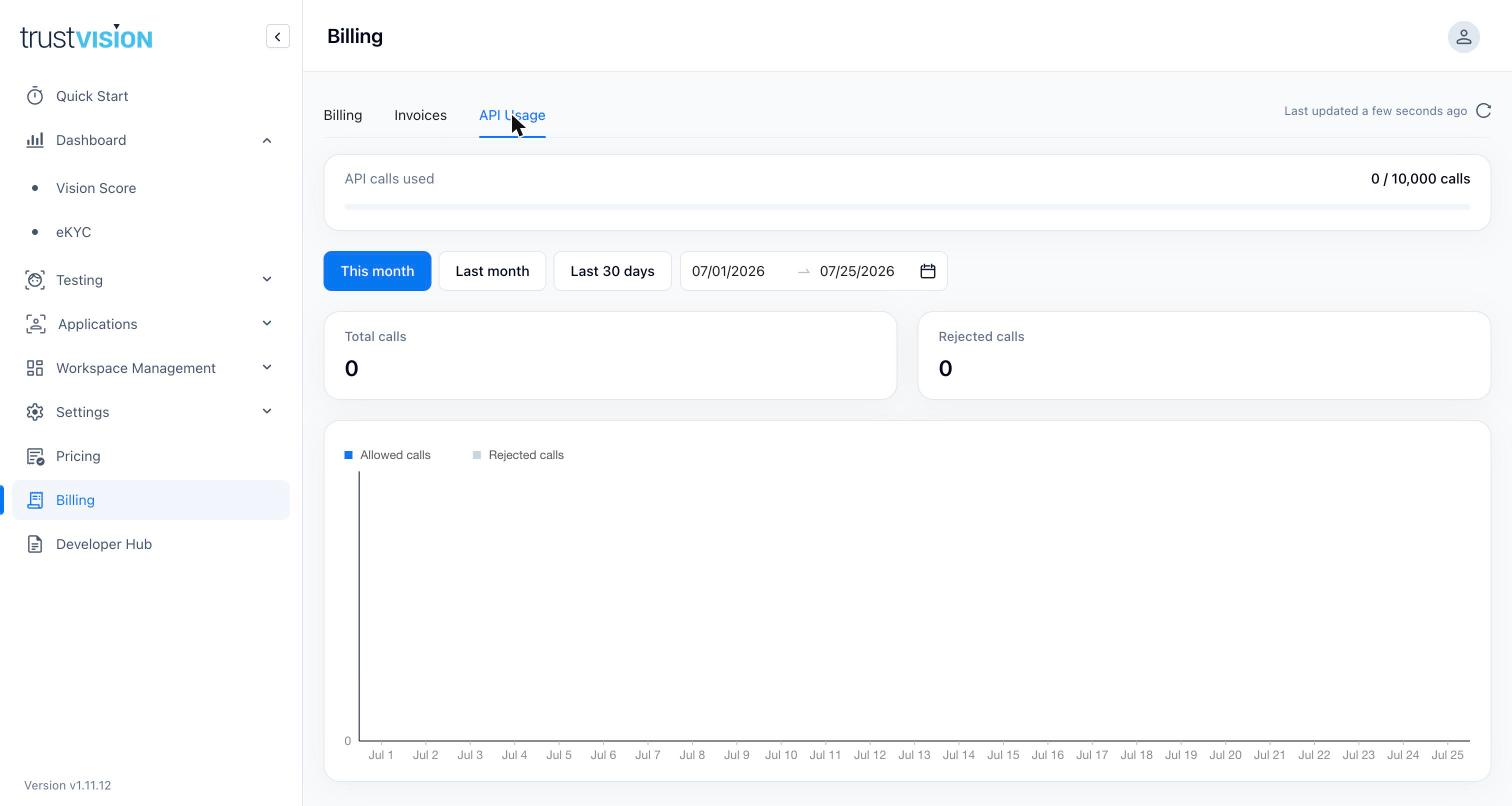
- API Usage — a dedicated usage view, separate from the summary on the main Billing tab: total API calls used against your plan quota, a breakdown of Total calls vs. Rejected calls, and a day-by-day chart of allowed vs. rejected calls. Filterable by This month / Last month / Last 30 days, or a custom date range. Track this regularly, not just at renewal — running over quota consistently is usually cheaper to solve by upgrading a tier than by paying overage charges. Watch Rejected calls specifically: a nonzero or rising count usually means you've hit your quota or rate limit, not that something is wrong with your integration — check this before asking engineering to debug what looks like an API failure.
Related areas
- To validate expected performance (Gini) before committing to a paid tier, see Backtesting & Fine-Tuning.
- To monitor live usage and performance once subscribed, see Vision Score Dashboard.
- eKYC commercial terms, minimums, and enterprise contract details are typically handled directly with your TrustVision account team rather than self-service in this console.