Web App Guideline
Authentication
Go to Trustvision Web App
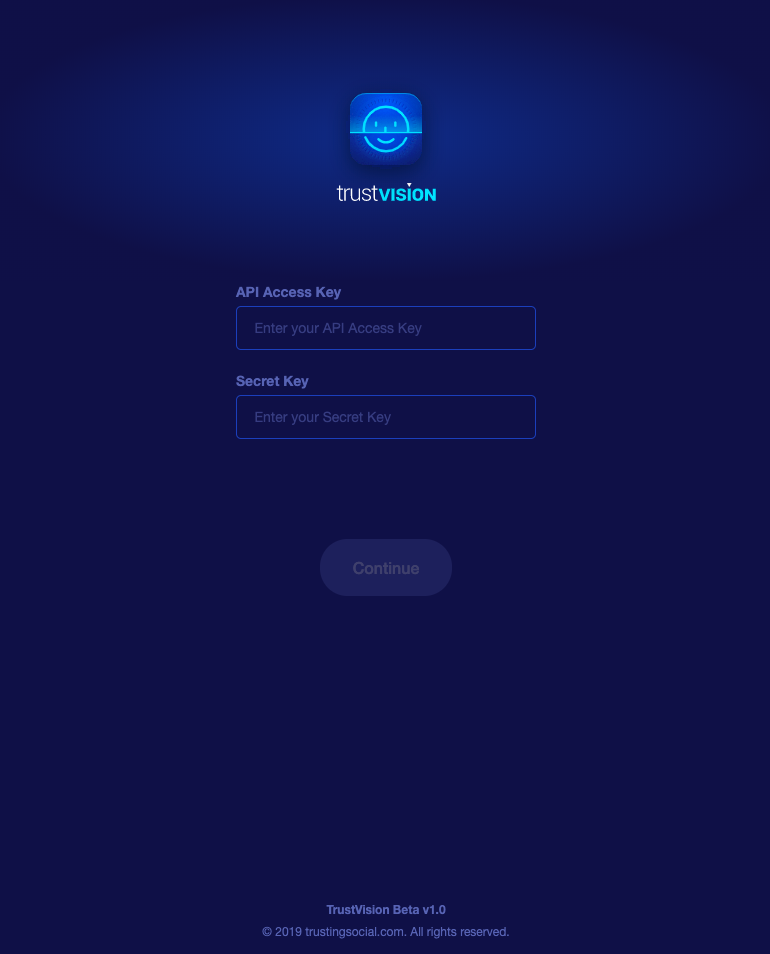
For your first login, you will need to enter an API key and API secret for secure access. These keys are unique for each customer, and Trustvision will send these credentials over by email to you.
Face Match
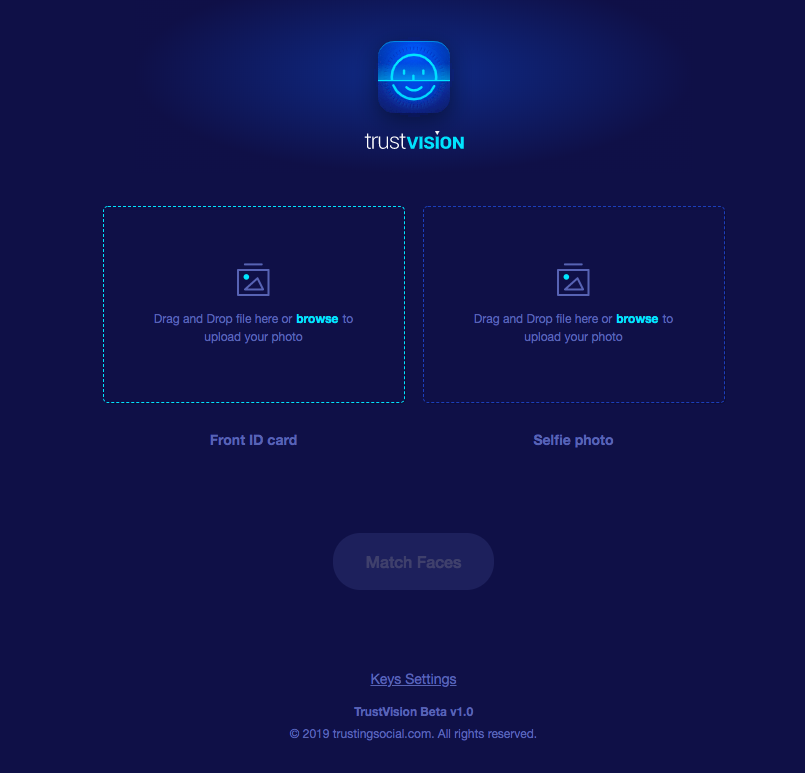
To use Face Match, the user should upload 2 images:
- On the left side of the screen, upload an image of the front side of the National ID card.
- On the right side, upload a portrait of the person you would like to compare.
The width and height of the image should be both greater than 300 pixels.
This is how your screen should look when the images are uploaded.
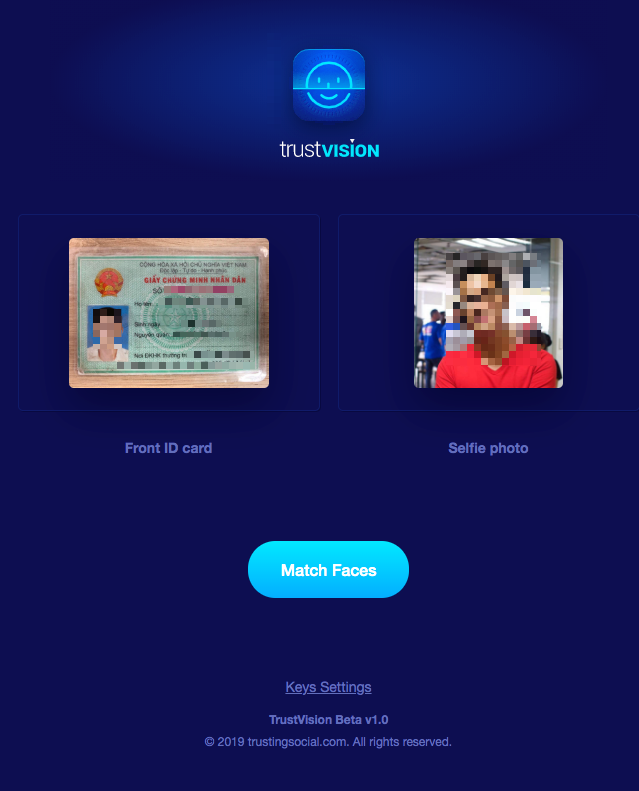
Press the button “Match Faces”. If the faces are matched, the following image will show on your screen:
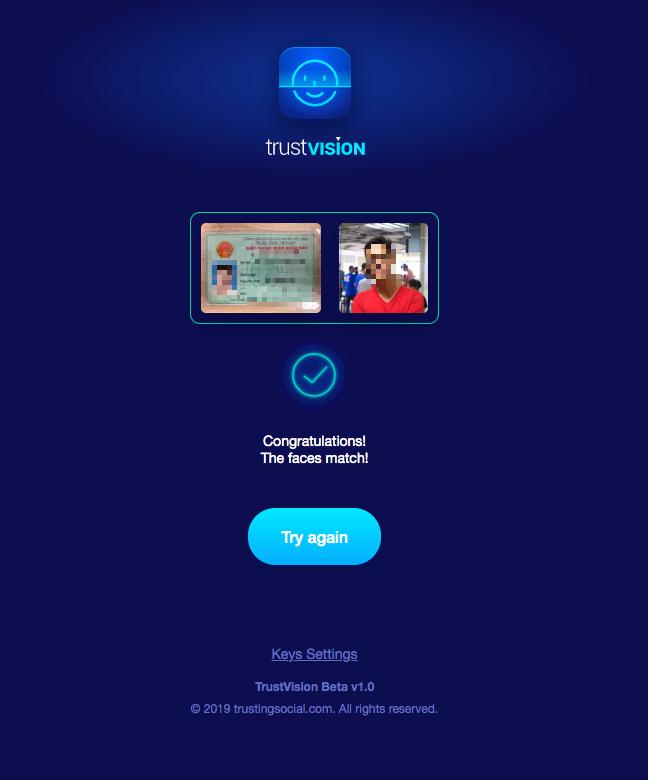
If the faces do not match, the following image will show on your screen:
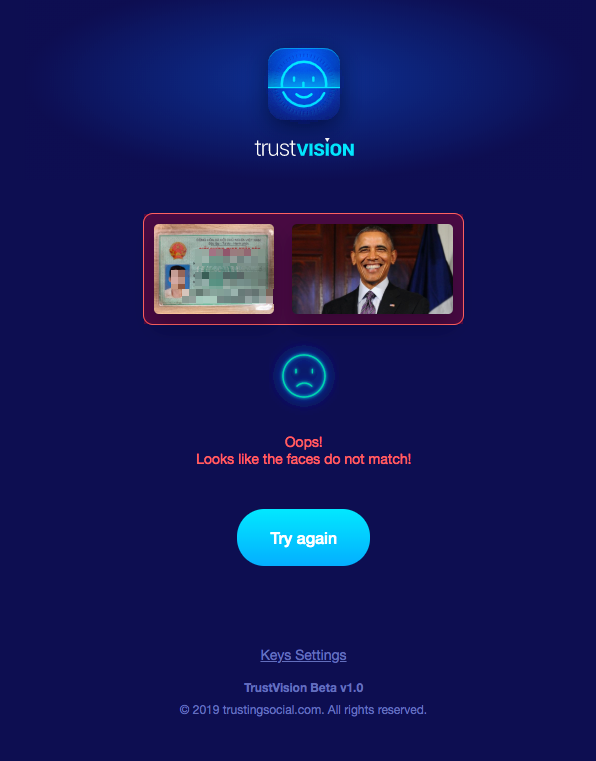
To retry with different images, press “Try again”.