Theme
What it's for
Theme lets you customize the look and feel of the verification experience your applicants actually see and interact with — so it feels like part of your brand rather than a generic third-party tool. This matters for trust: applicants are more likely to complete an identity verification flow, and less likely to abandon it out of suspicion, if it looks and feels consistent with the rest of your app or website. Treat it as a conversion lever, not just cosmetics.
What you can configure
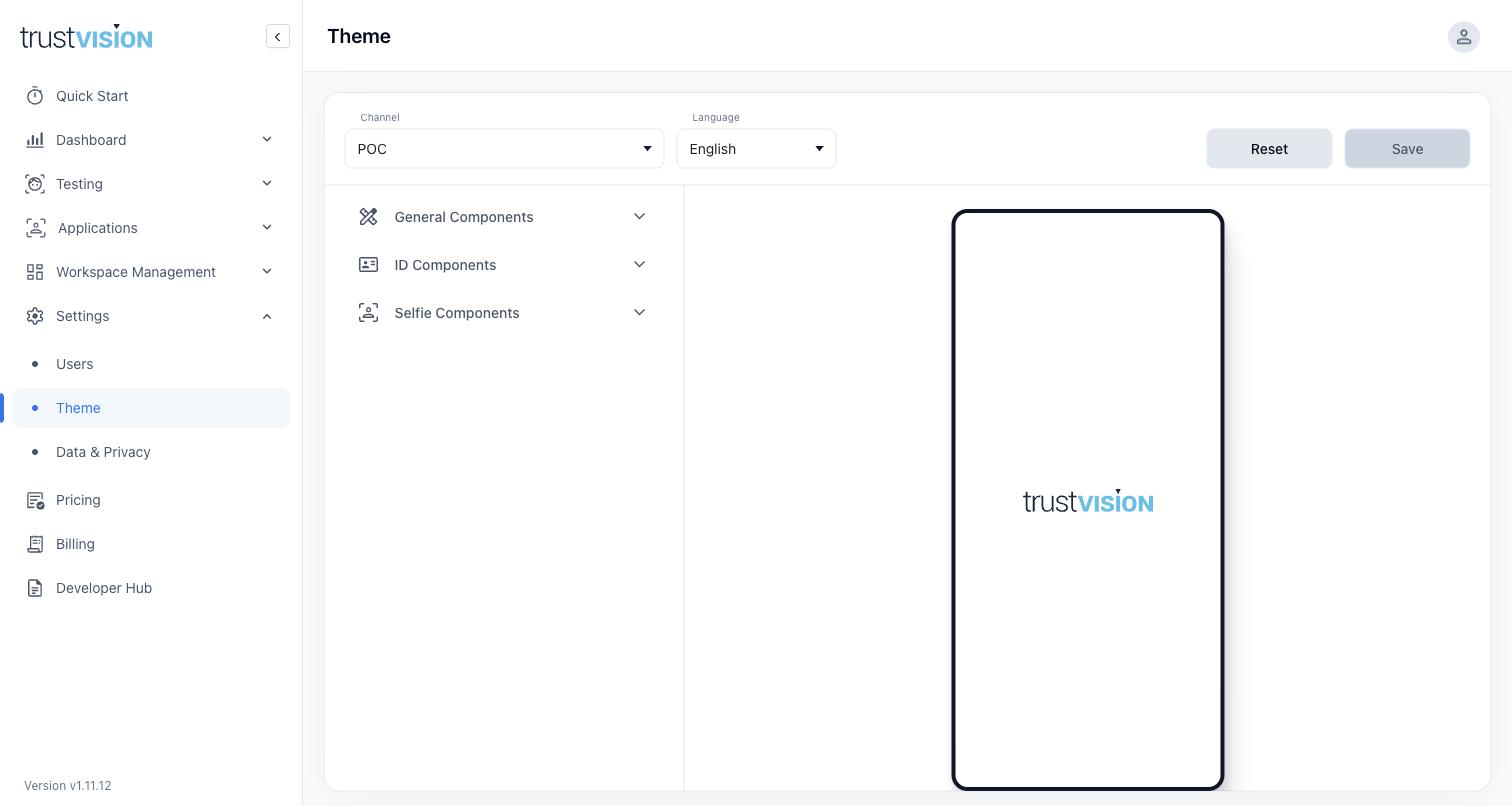
Theming is set per Channel and per Language, so different lending pathways or markets can each have their own look if needed — configure it separately per channel if you operate under multiple sub-brands or partner names, rather than relying on one look for everything.
Components you can customize are grouped into three categories:
- General Components — background color, header, primary and secondary buttons, confirmation popups, and every end-state screen the applicant might see: processing, success, failure, session expired, and retry-limit-exceeded. These last three are the moments applicants are most likely to give up, so clear, on-brand, reassuring copy and design here can materially affect completion rates.
- ID Components — the look of the document capture screens.
- Selfie Components — the look of the selfie/liveness capture screens.
A live preview panel shows changes in real time on a mobile-frame mockup before you save, so you can confirm the result matches your brand before it goes live to applicants. Changes only take effect after you Save; use Reset to discard unsaved changes and revert to the last saved theme.
Related areas
- To see how theme/UX changes affect completion rates, monitor the Journey Conversion Funnel in eKYC Dashboard before and after a change.
- Theme is configured per Channel — see Channels for how channels are structured.